Opus 5.5 与你现有的 Claude 用法契合良好。有几处行为不同:它更能独自长时间工作,会直白告诉你做了什么,且每次回复前都会思考。本指南讲如何在 Claude 应用与 Claude Code 里用 Opus 5.5,包括怎么提示、怎么驾驭长跑、怎么检查结果。
先试这些
第一次用 Opus 5.5 时的三件事
- 把整件事交出去。说清什么叫「完成」、何时该停下问你。然后让它干。
- 删掉「仔细想」之类的句子。Opus 5.5 每次回复前已经在想。
- 长跑结束时,先读它需要你做什么。
1. 怎么问
说清什么叫「完成」,然后让它跑
做什么。 一条消息给出整件事。点明终点线,比如「测试通过」或「每个端点都迁完」。然后让它干。
为何对 Opus 5.5 重要。 Opus 5.5 在长、多段工作上比 Opus 5 更能持续推进。相对此前 Opus,最大增益在多步工作,例如把改动贯穿大型仓库直到测试通过。早期测试者让它在几乎无人盯的情况下跑数小时编码任务。终点线清楚,它就知道何时做完。
怎么做。 例如在 Claude Code:
Migrate the payment endpoints from the old client to the new one.
Done means: every endpoint uses the new client, the old client is deleted, and the test suite passes.
Stop and ask me only if a test fails for a reason you can't explain.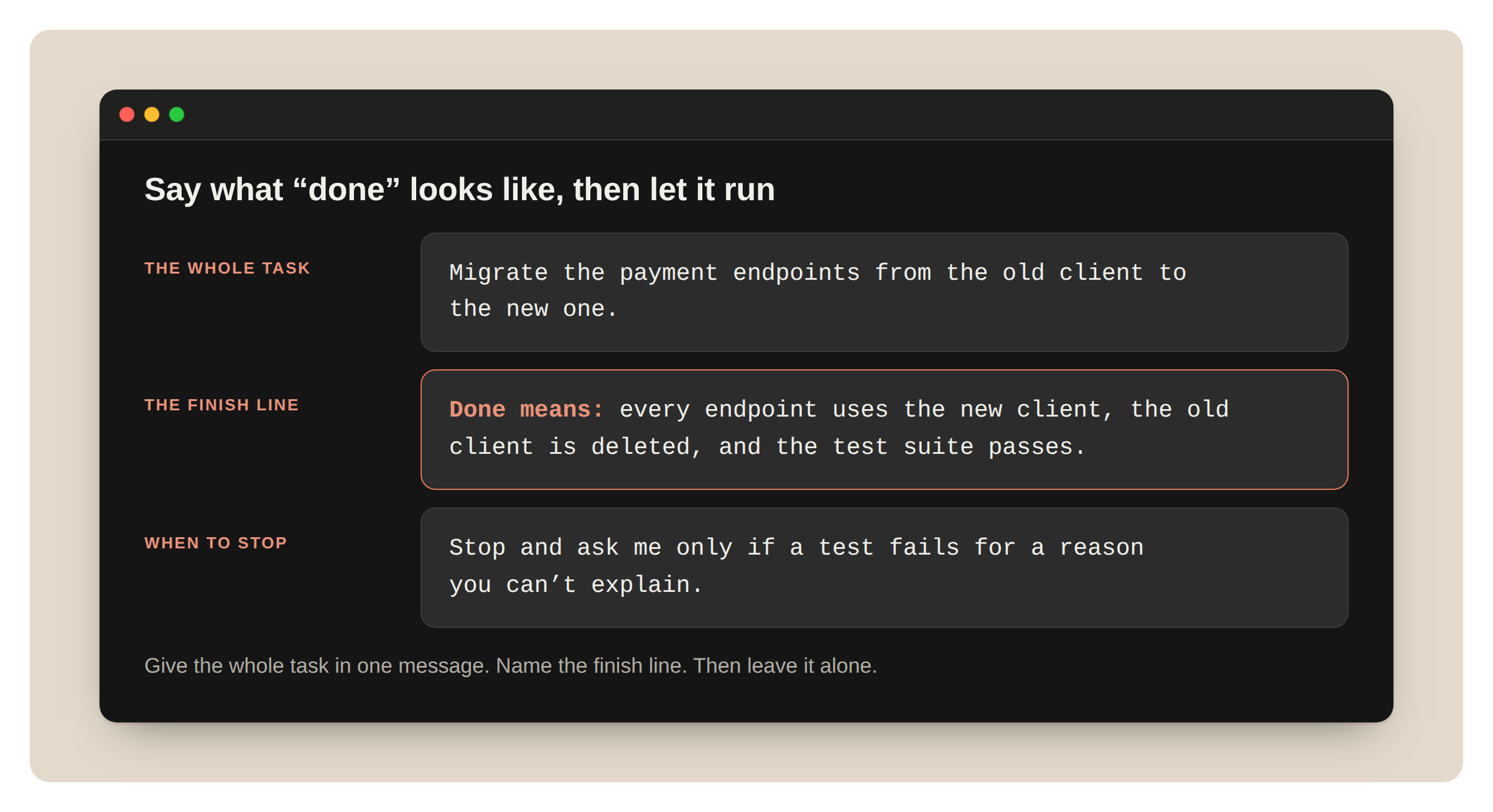
一条消息:整件事、终点线、何时停下。
别再让它「好好想」
做什么。 从提示词和保存的指令里删掉「仔细想」「一步步想」之类。
为何对 Opus 5.5 重要。 Opus 5.5 每次回复前都会思考,并自己决定想多少。不必要求它思考。我们在聊天产品里测过:去掉「仔细想」后回复更快开始,质量没有明显下降。
怎么做。 删掉那行。简单问题要快答时直接说:「直接答。」要在 Claude Code 里改思考量,改 effort。
给正在跑的任务加料
做什么。 跑到一半想起什么,可以边工作边跟一句。
为何对 Opus 5.5 重要。 现在跑得更久,重开代价更大。
怎么做。 在 Claude Code 里,Claude 工作时输入消息并回车,例如:「另外把旧端点名保留为别名。」
做设计时,点名不要的风格
做什么。 要页面、App 或 artifact 时,列出你想排除的设计习惯。
为何对 Opus 5.5 重要。 没有设计方向时,Opus 5.5 会落回几种默认风格。「避免通用感」这类笼统指令多半只是换一种默认。列具体模式效果好得多。
怎么做。 点名模式:
Build a personal website with placeholder content.
Don't use a cream or off-white background, italic accent words in headings, numbered "01 / 02 / 03" section labels, monospace labels, or pill-shaped buttons.
再看它换了什么。若还不喜欢,加进列表再问一次。
2. 在 Claude Code 里驾驭长跑
告诉它你要哪些停顿
做什么。 在 CLAUDE.md 里写一条短规则:何时停下问你,何时继续。
为何对 Opus 5.5 重要。 Opus 5.5 工作时会随时汇报。长任务上,它有时停下来报告而不是继续:一份点出下一步却不执行的摘要、一句「要不要继续」、或一份并不阻塞工作的选项列表。点名这些停顿的指令它会听。你也把要的停顿写清楚。
怎么做。 加进 CLAUDE.md,按项目改:
When a step doesn't need my input, keep going. Put status notes in the same message as your next action.
Stop and ask only when you can't continue without me, or before anything destructive: deleting data, force-pushing, or changing anything outside this repository.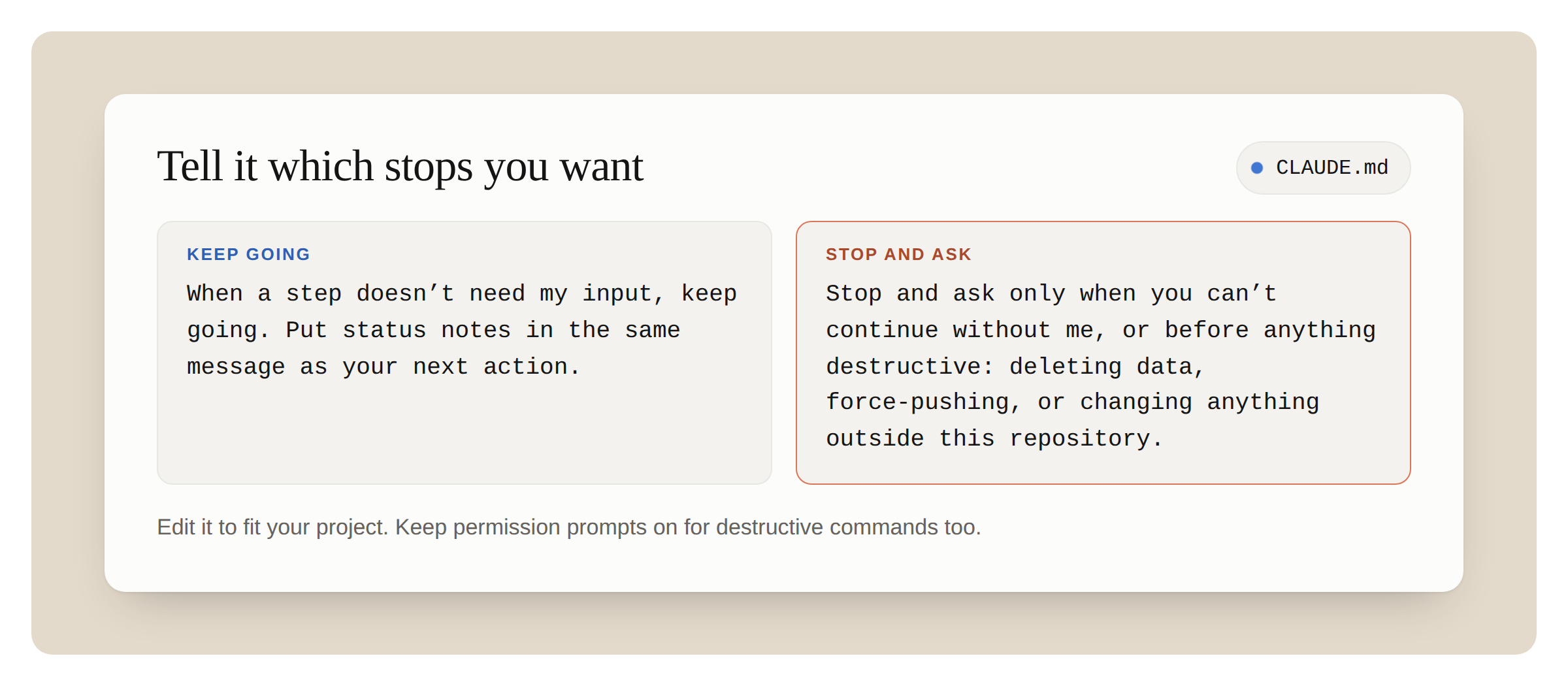
CLAUDE.md 规则:何时继续,何时停下问。
若跑到「Want me to continue?」就回「continue」。若经常发生,上面那条规则会有帮助。
「继续」规则意味着更少停顿,所以风险高、难撤销的事仍要自己把关。规则最后一行就是干这个。破坏性命令也要保留权限提示。
结对编程时你可能要反面:开工前一行计划、结束时短回顾。改写进 CLAUDE.md。Opus 5.5 两种都听。
让它把大活拆给 subagent
做什么。 审计、迁移,或跨大型代码库的审查,让 Opus 5.5 把活拆给 subagent 并检查各自结果。
为何对 Opus 5.5 重要。 早期测试者让 Opus 5.5 在长审计与迁移上协调并行 subagent,几乎无人盯。
怎么做。
Audit every service in services/ for the retry bug in the linked issue.
Give each service to its own subagent. When a subagent reports back, check its evidence before you accept it.
Finish with one table: service, affected yes or no, and the evidence.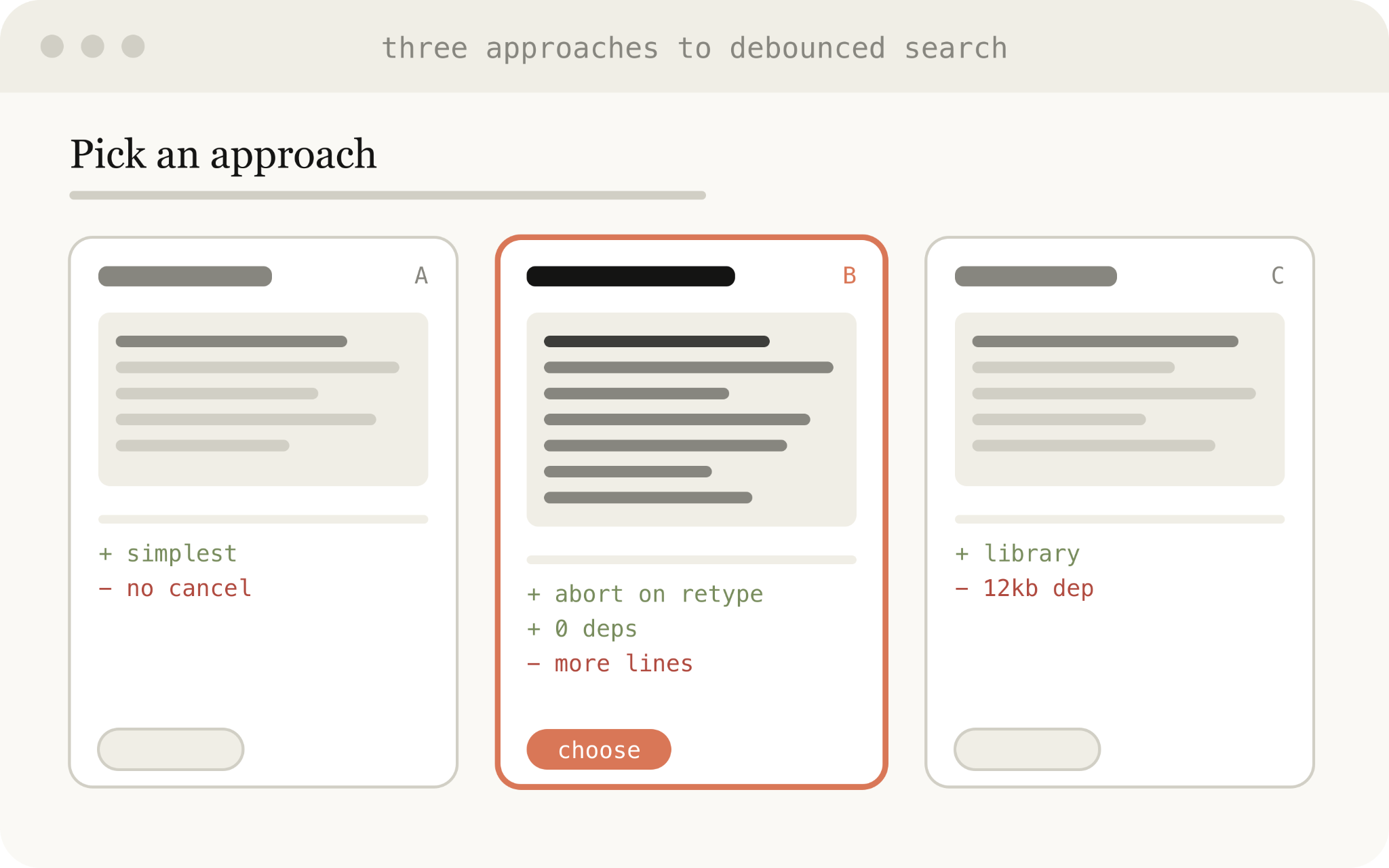
扇出到 subagent,检查各自证据,最后汇总成一张表。
把任务列表放在文件里
做什么。 会跑一阵子的任务,让 Opus 5.5 把任务列表放在文件里并随进度更新。然后读文件、而不是往上翻滚动条,看跑到哪了。
为何对 Opus 5.5 重要。 现在跑得更久。长跑会填满上下文窗口,Claude Code 随后会摘要更早的轮次。文件里的列表能扛住这一点,一眼看出做完什么、还剩什么。
怎么做。 「把检查清单放在 TASKS.md。做完勾掉,发现新的就加上。」
3. 检查结果
先读它需要你做什么
做什么。 长跑结束时,先找 Claude 在等你的东西:留下的决定、要你批准的改动。再读其余摘要。
为何对 Opus 5.5 重要。 Opus 5.5 比 Opus 5 更清楚汇报工作。进度更新与最终摘要会用白话说它做了什么、发现了什么、需要你做什么。
怎么做。 要改摘要格式,写进 CLAUDE.md,例如:「每次跑完用三个标题结尾:Blocked on me、Changed、Found。」
让它审查代码
做什么。 在人审之前,让 Opus 5.5 审查 diff 或 pull request。
为何对 Opus 5.5 重要。 一位早期测试者说,Opus 5.5 在最低 effort 上抓到的 bug 比 Opus 5 在 high effort 还多,误报更少。它也用白话解释改动,因此 PR 描述更好审。
怎么做。 把这段提示词交给 Claude:
Review the diff on this branch against main.
List only problems you'd block the merge for. For each one, give the file and line, why it's wrong, and how to show it fails.
让它标出未能确认的部分
做什么。 做研究与分析时,让它说明找不到或无法核验的内容。
为何对 Opus 5.5 重要。 「我找不到」值得读,主动要求就更容易发现。
怎么做。 在请求里加:「标出任何未能确认的内容,并说明你查了哪里。」在 Claude 研究报告和 Claude Code 里都适用。
4. 在 Claude 应用里
先确认模型选择器显示的是 Opus 5.5。
直接分享图表或截图本身
做什么。 附上图表、图示、截图或幻灯片。不要把数字再打一遍。
为何对 Opus 5.5 重要。 Opus 5.5 读图表、图示和截图比 Opus 5 更准,且无需额外步骤。对依赖图像位置的含义也更好:箭头连接哪些框、两版图示改了什么、日历截图里会议起止时间。
怎么做。 附上图并问具体问题:「这些服务里哪些直接调用 billing API?」
让它检查长文档
做什么。 给它一份长计划、报告或 deck,让它找错。
为何对 Opus 5.5 重要。 Opus 5.5 比此前 Opus 更注意细节。我们测试里它抓到过长规划线程里落在错误星期几的日期,以及 deck 里与数字不符的图。
怎么做。 提交提示词:「检查这份 deck 里自相矛盾的地方:数字、日期和名字。引用每个问题并说明位置。」
直接要成品文件
做什么。 要表格或文档时,要文件,不要大纲。
为何对 Opus 5.5 重要。 Opus 5.5 做出的表格和文档,分享前需要的编辑比 Opus 5 少。
怎么做。 「做成我能分享的表格:每供应商一行,列包括成本、合同结束日期和负责人。」
在项目里说明「答案已定」
做什么。 若长聊天里后续问题感觉变慢,加一条指令:此前答案视为已定。
为何对 Opus 5.5 重要。 长聊天里,Opus 5.5 有时在想短后续问题时又回头翻旧答案,拖慢回复。
怎么做。 加进项目指令:
Once you have answered something, treat that answer as done. Focus on what I'm asking now, and don't go back over an earlier answer unless I ask about it or point out a problem with it.长分析类项目不要加:后面一步可能暴露前面一步的错。
5. 消息被标记时
Opus 5.5 是首个上线即带 Fable 级生物与网络护栏的 Opus。在 Claude 应用与 Claude Code 里,多数被标记的消息会切到更旧的模型,工作在那边继续。在源码里找安全漏洞是允许的,日常健康与教育问题也应仍可用。护栏有时会误伤合法工作,我们在调以减少误标。若被切换,你会看到这些、可做这些。
在 Claude 应用里
你看到。 以「Switched to」开头、并带旧模型名的提示。Claude 在该模型上回答,聊天留在它上面。
怎么做。
- 要回到 Opus 5.5,在模型选择器里选它。若先前消息仍在聊天里,可能再次被标。开新聊天可避开。
- 想先被询问:Settings → Capabilities,关掉「Switch models when a message is flagged」。你会看到带选项的「paused」卡片。
检查覆盖对话里一切,包括文件和搜索结果。因此标记可能来自更早内容,不只最后一条消息。
在 Claude Code 里
你看到。 点名旧模型的提示。会话在该模型上继续。
怎么做。
- 运行 /model 切回。
- 按两次 Esc 编辑上一条消息再试。
- 想先被询问:运行 /config,改「Switch models when a message is flagged」。
- 若标记有误,运行 /feedback。
不要让它在回复里展示推理
做什么。 从提示词和指令里删掉「在回复里复现内部推理」之类请求。
为何对 Opus 5.5 重要。 要求在回复里复现内部推理可能被拒绝。这是标记类别之一。
怎么做。 改要你真正需要的,例如:「用三句话解释为何选这个做法。」
6. 速度
每条回复都在等时,打开 fast mode
做什么。 在 Claude Code 里,对来回协作——你读完一条再发下一条——用 fast mode。
为何对 Opus 5.5 重要。 Opus 5.5 上线即提供 fast mode(研究预览)。同一模型,文本更快到达。需要打开额外用量,且每 token 比标准模式更贵。
怎么做。 对 Claude 输入 /fast。
你的 Opus 5.5 检查清单
下一次长任务前过一遍。
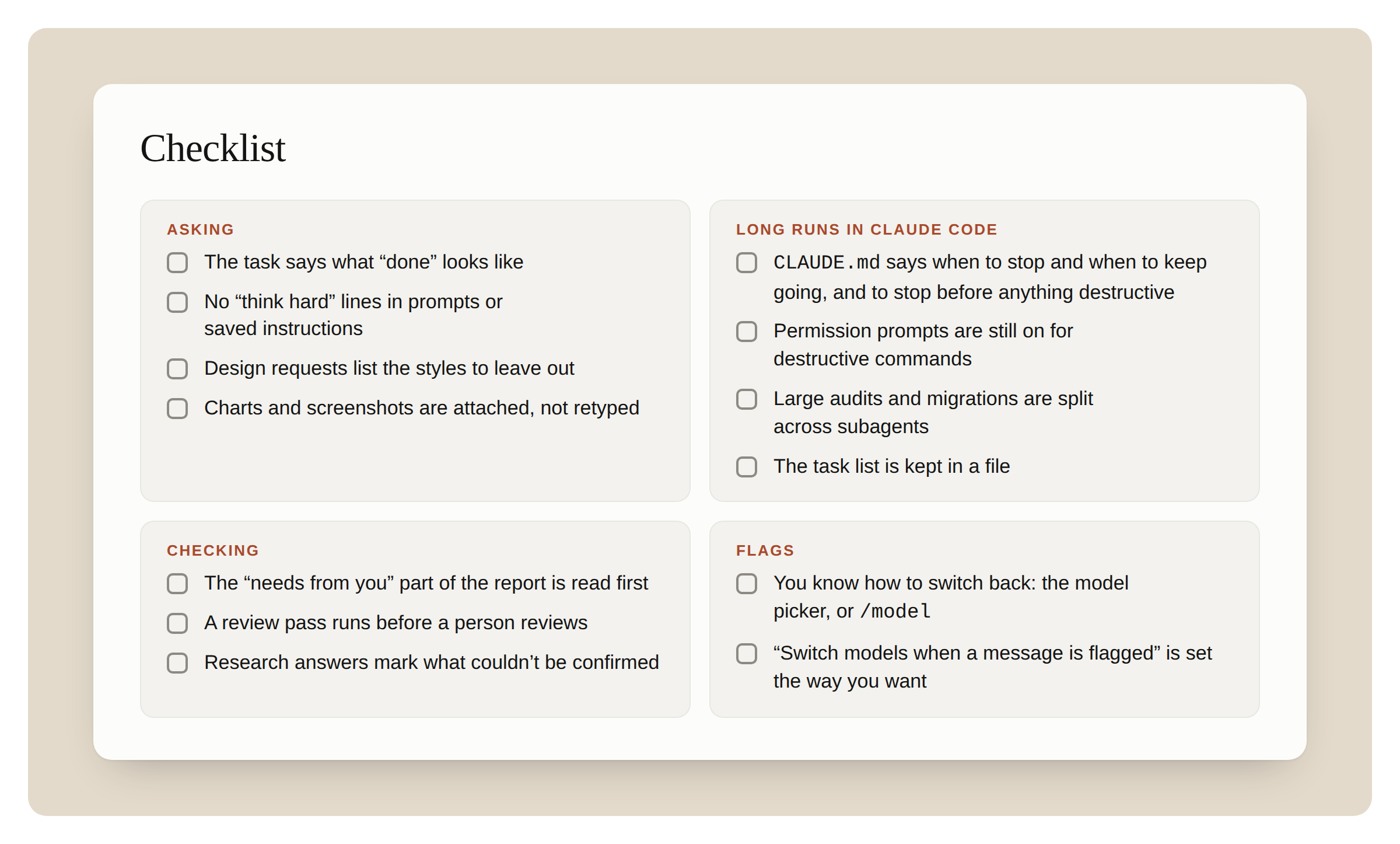
检查清单一览。
提问
- 任务写清了什么叫「完成」
- 提示词与保存的指令里没有「好好想」
- 设计请求列出了要排除的风格
- 图表和截图是附上的,不是重打的
Claude Code 里的长跑
- CLAUDE.md 写明何时停、何时继续,以及破坏性操作前要停
- 破坏性命令仍开着权限提示
- 大型审计与迁移拆给 subagent
- 任务列表放在文件里
检查
- 先读报告里「需要你」的部分
- 人审之前先跑一轮审查
- 研究回答标出未能确认的内容
标记
- 知道怎么切回:模型选择器,或 /model
- 「Switch models when a message is flagged」按你想要的设好
开始用 Opus 5.5 构建吧!
感谢 Molly Vorwerck 审阅。